
Where the mess starts
An expense in another currency can involve three figures: what the receipt says, what the bank charges and an estimate using a reference exchange rate. Keeping their purposes separate helps you avoid treating a conversion estimate as the actual charge.
For a fictional example, a coffee costs 340 MXN and the charge to a euro account is €17.20. Record €17.20 to match that account and keep the local price in the description if useful. A later change in the reference rate does not change the euros that were charged.
The useful distinction is which currency each figure belongs to. You do not need to discard the local price to keep the account record in its own currency.
One currency per account
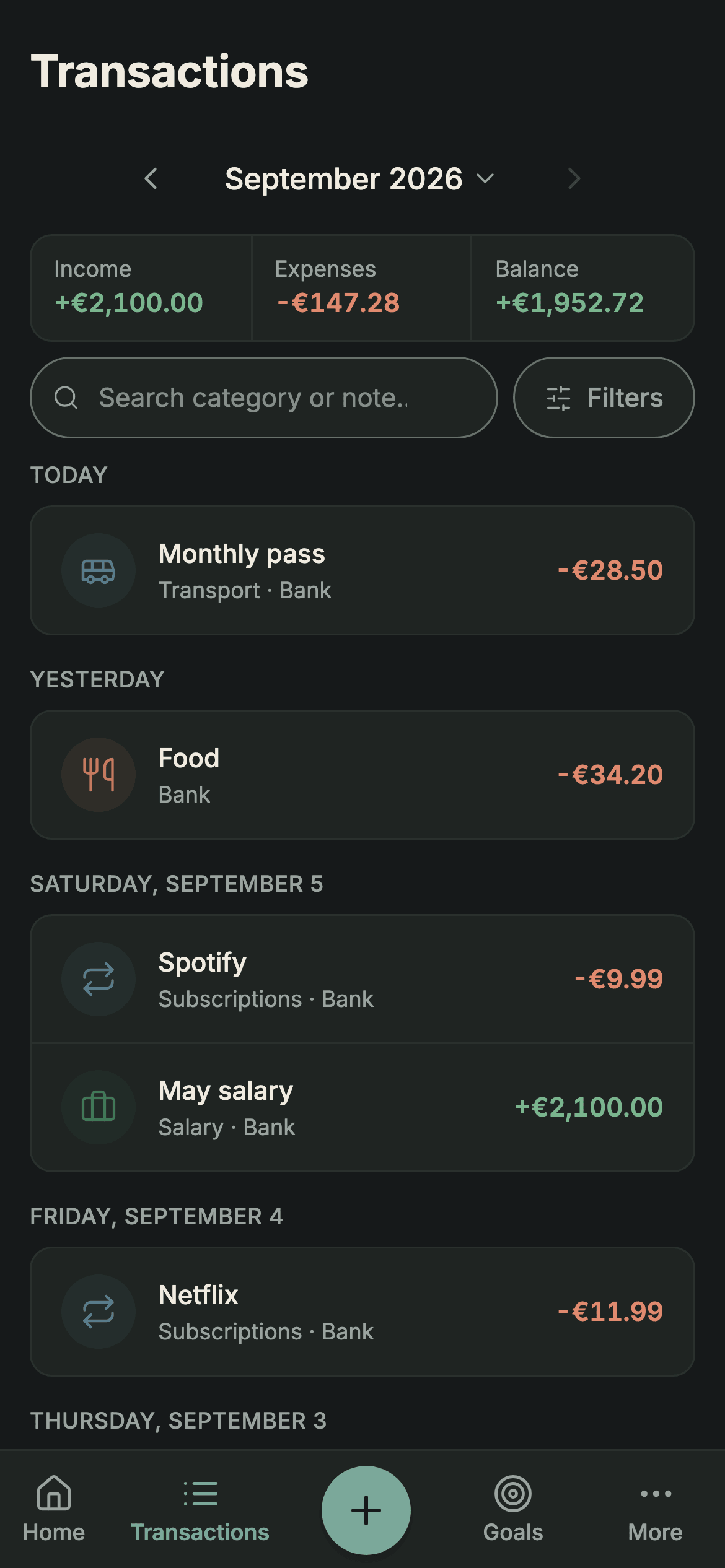
In Sumant, currency belongs to the account. A euro account records its transactions in euros and a peso account in pesos. Use the amount that actually passed through that account, rather than placing differently denominated numbers in one balance.
This gives you a basis for reconciling each account with its statement; you still need to check missing entries, balances and charges. A peso purchase paid from the euro account is recorded in euros at the amount charged, including any fee included in that entry.
If you want to keep the local price, put it in the description: “Coffee — 340 MXN”. Text, not a number. It never enters a sum and it breaks nothing.
When to convert and when not to
Do not convert in order to log. A transaction is stored in its account’s currency, at the amount on the statement. Converting at logging time buries an exchange rate inside a number that should be raw.
Convert when you need a combined estimate in one currency. Sumant uses the available reference rates for that conversion, not a historical rate attached to every transaction. A current reference total is different from the amount your bank applied when a purchase was made.
Sources: European Central Bank: reference exchange rates · checked on .
Never convert twice. The classic error: logging the expense already converted and then asking the tool to convert it again for the summary. You get a figure that is neither of the two.
The fees you do not see
Different costs can apply when paying or withdrawing in another currency. Check your card and account conditions and the transaction details; not every provider charges every kind of fee.
A margin on the exchange rate. The rate offered for an operation can differ from a published reference. That difference may be included in the quoted rate rather than listed separately. Do not assume a €17.20 charge reveals an exact margin without the relevant details.
A foreign transaction fee. Your card’s conditions may provide for a separate charge, with an amount and presentation that depend on the issuer and operation. Check the statement rather than assuming a fixed percentage applies to every card.
An ATM charge. A machine or card issuer may charge for a withdrawal abroad. For illustration only, a £200 withdrawal plus a £7 charge totals £207; the actual fee and how it appears depend on the operation and its conditions.
Sources: Banco de España: currency exchange · checked on ; Banco de España: withdrawals abroad · checked on .
Record the amount actually charged. If a fee is shown separately, record that separate entry without counting it twice. If the breakdown is unavailable, do not invent one from an indicative rate. In Sumant, creating your own categories requires PRO; otherwise use an appropriate existing category and keep useful detail in the description.
If a card terminal offers a choice of payment currency, compare the conversion offered, any stated fees and your card’s conditions. Do not assume that an indicative reference rate is the rate either option will apply.
What a converted total shows
For another fictional example, suppose you hold €4,000 and 60,000 MXN. If a tool converts the peso balance using an updated rate, its euro estimate can change while both account balances stay the same. An assumed 8 per cent exchange-rate change is not an extra purchase.
That is an exchange-rate effect in the estimate, not evidence of additional spending. Keep the amounts recorded in each account separate from the conversion used to combine them.
Compare spending in each account’s own currency when you want to see changes in those amounts. If you also use a converted total, remember that changes in the reference rate can affect it.
Save the total for net worth. That is where a single currency makes sense, and where you do want to see the exchange effect: it is part of what you own. How that figure is worked out is in how to calculate your net worth.
For comparisons over longer periods, exchange rates are not the only factor. Inflation also affects purchasing power, so the same amount in one currency can buy a different quantity of goods over time.
Multi-currency accounts
If you use an account that holds several balances at once —euros, sterling and dollars in the same place— the “one currency per account” rule still holds; it is just that the bank sees one account and your records see several.
Create a record for each currency balance you keep open, such as “Travel EUR” and “Travel GBP”. Put each transaction in the corresponding record and reconcile it with that currency balance. Combining differently denominated amounts would make that check difficult.
When you exchange money inside that account —move £500 into euros— conceptually it is neither income nor expense: the money is still yours, it has only changed shape.
Sumant currently requires the same currency at both ends of a transfer. You can move pounds between two sterling accounts, but not record pounds leaving one account and euros arriving in another as a single transfer. A manual workaround uses an outgoing and an incoming entry in the respective currencies.
Those two entries can affect income and expense summaries even though the purpose was exchanging your own money. Keep them identifiable when reviewing the report; creating dedicated categories requires PRO. A difference after converting with a reference rate does not prove the exact commission. Use the actual exchange quote and any fee breakdown for that.
Sources: Sumant plans · checked on .
Setting it up in practice
When comparing tools, check currency per account, how combined totals are calculated and whether transfers between different currencies are supported. Sumant currently supports transfers between accounts in the same currency.
In Sumant each account chooses from 14 currencies and records transactions in that currency. Transfers work between accounts with the same currency; different-currency exchanges need the manual handling described above. You can enter transactions or import supported CSV and XLSX files from your records.
If you are comparing tools, the Wallet comparison sets out its features and the differences from Sumant, with sources and a review date.
Aim to reconcile each currency balance with the corresponding statement. A converted total is an estimate based on a rate; the original entries show what was recorded in the account’s currency. Keeping that distinction visible makes the figures easier to check.