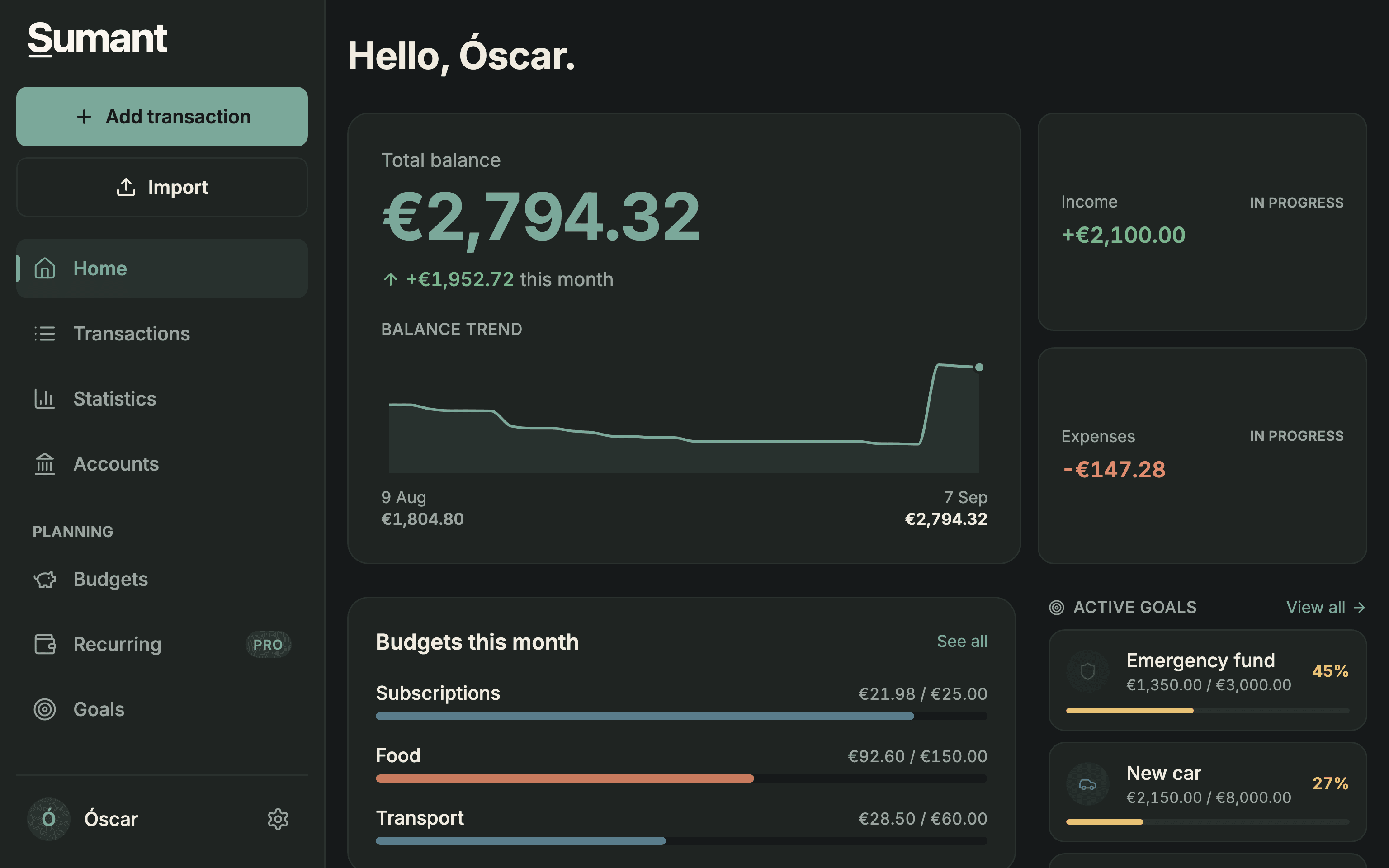


Budgets
Set a limit per category and see what is left.
- Food€169.40 / €150
Over by €19.40
- Transport€28.50 / €60
- Shopping€45.90 / €80
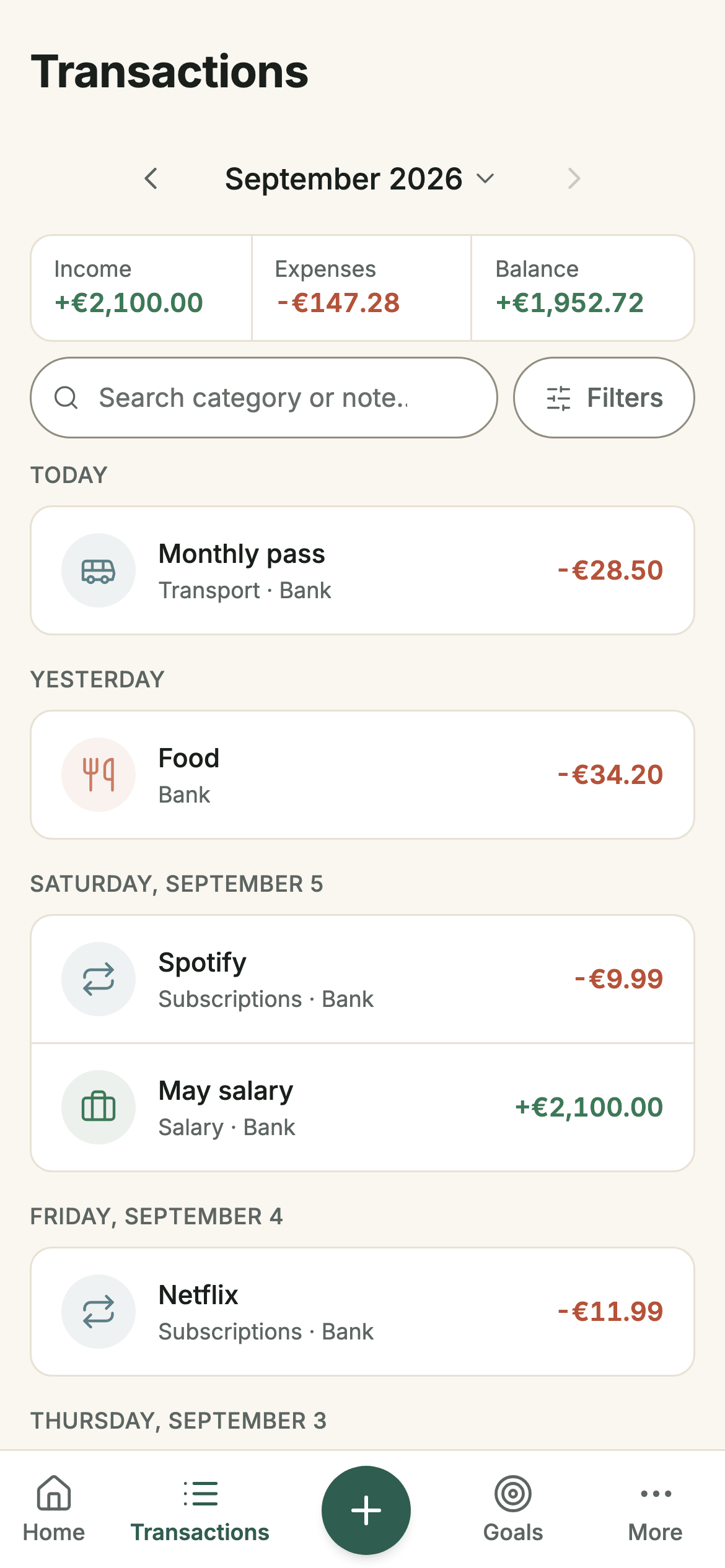
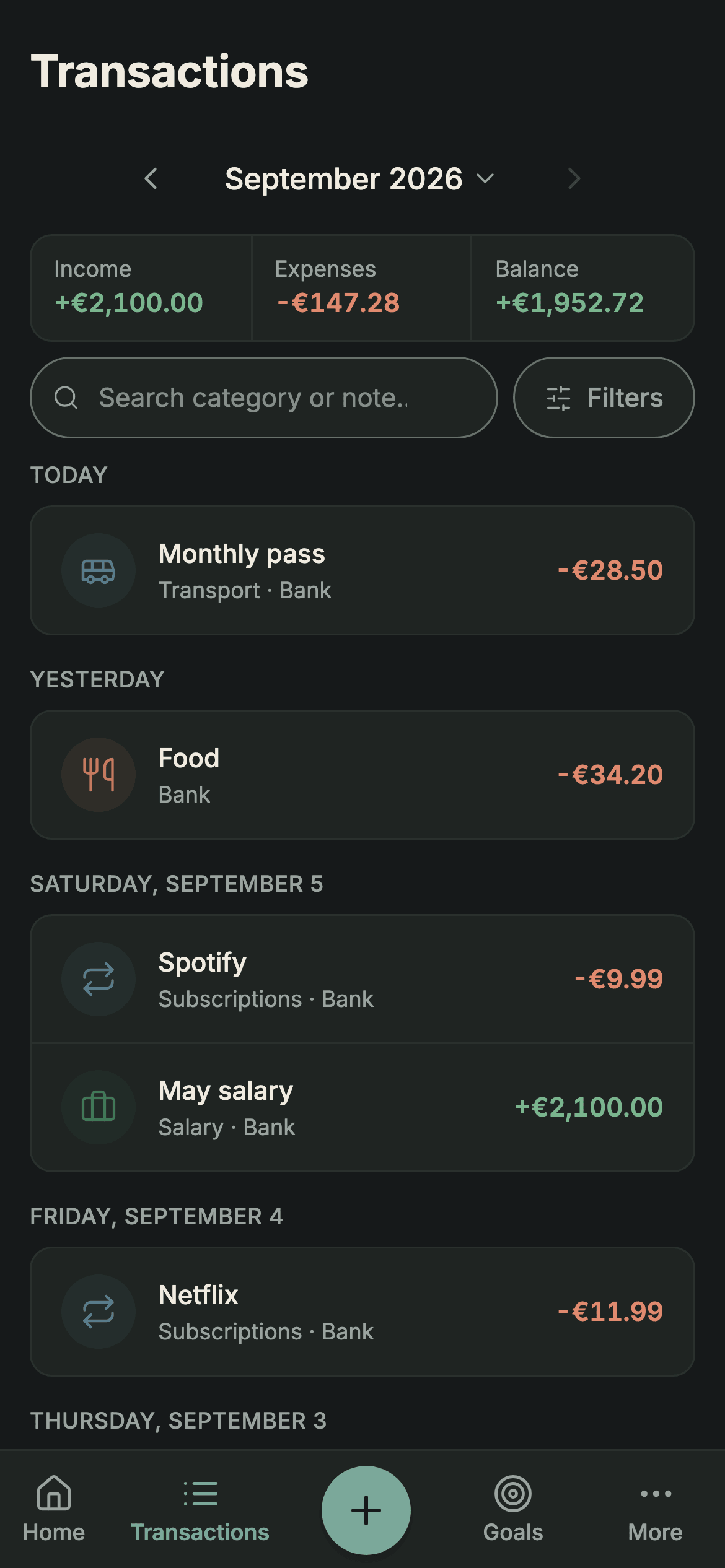
Log an expense in seconds or import the transactions you download from your bank. Sumant sorts them out and shows you where your money goes.

Three ways to start
Log by hand, import your bank's file, or add transactions from a photo or a sentence.
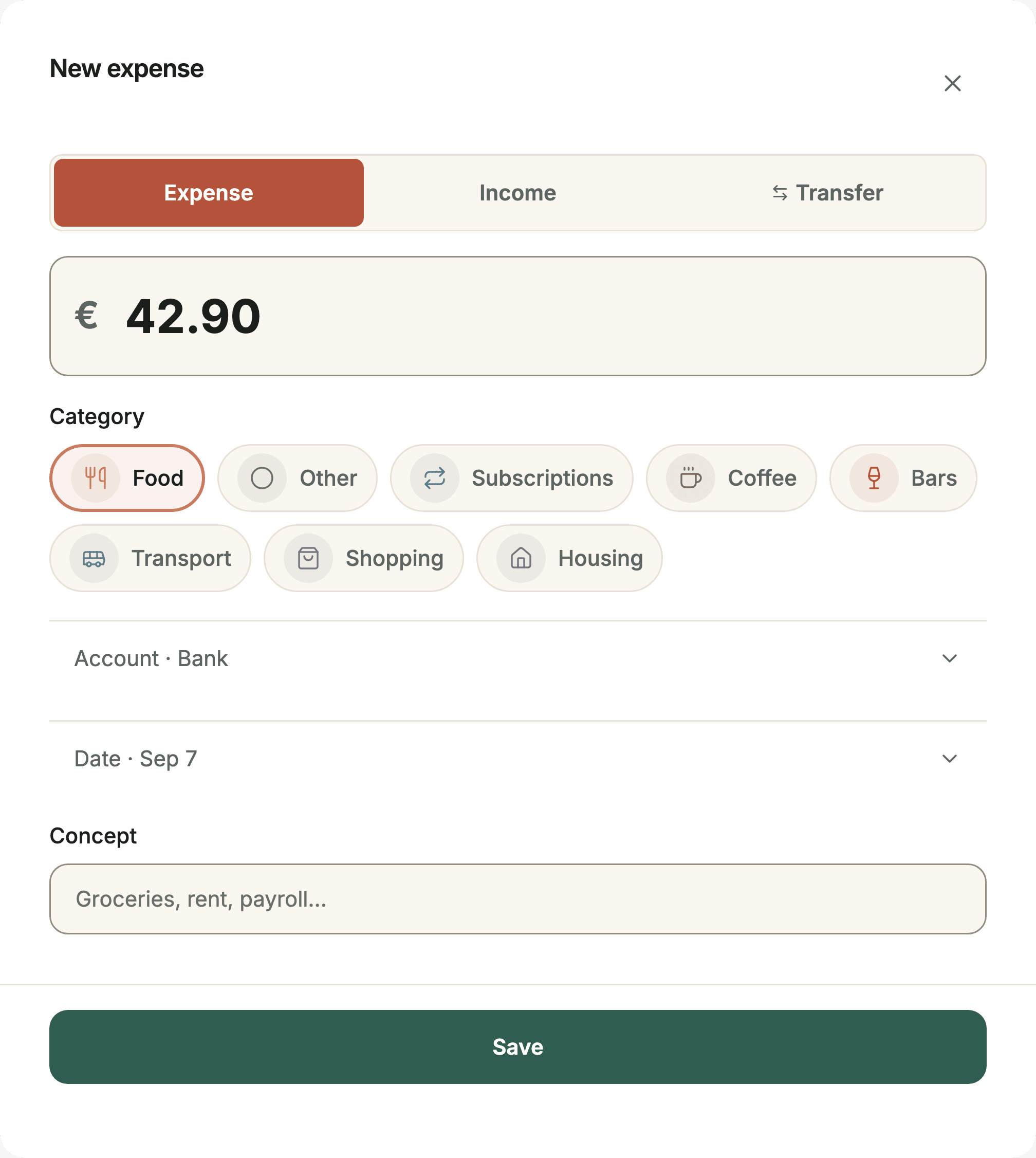


Expense or income
Switch type with one tap.
Quick categories
Pick one and carry on.
Organize and plan
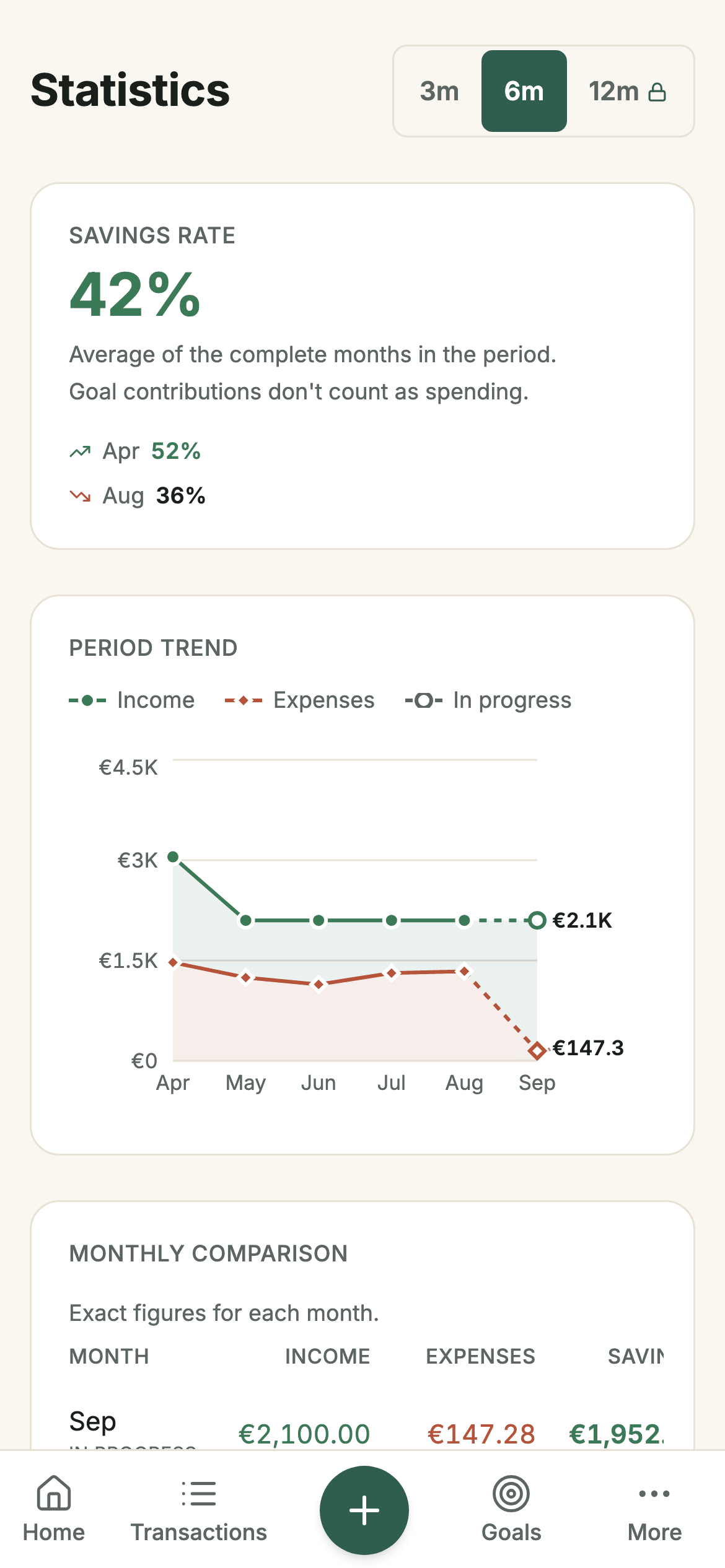
Budgets, goals and automations to see what happens to your money and where you want it to go.
Set a limit per category and see what is left.
Over by €19.40
Emergency fund
52%
€1,550 / €3,000
Apply your rules to new statements you add.
Take your information with you whenever you want.
Your data, your control
Import your transactions when you choose, review what gets saved, and take your data with you when you need it.
Sumant doesn't need your bank credentials.
Review your transactions before confirming.
Download your information whenever you need it.
Where your data goes
Your bank
You download your CSV, Excel (.xlsx) or Norma 43 file.
Sumant
Prepares your transactions for review.
Processed on your deviceYou decide
Review what gets saved and what doesn't.
Your transactions
They're saved when you confirm.
Compare
No option wins at everything. These are the differences you notice most when you track your spending month after month.
| What is compared | SumantControl and structure | Bank-connected appMore automation | SpreadsheetMaximum flexibility |
|---|---|---|---|
| How transactions get in | By hand or imported | Usually synced | By hand or pasted in |
| Bank connection | Not needed | Usually required | Not needed |
| Categories and budgets | Built into the app | Depends on the app | You set them up |
| Before anything is saved | You review and confirm | Depends on the app | It's up to you |
| Flexibility | Ready-made features | Depends on the service | You define it |
The right choice depends on how much you want automated and how much you'd rather check yourself.
See the app-by-app comparisons →Pricing
No subscriptions or complicated plans. Move to PRO only if you need it.
€0
Use Sumant for free. No card, no expiry.
€19.99
one-time payment
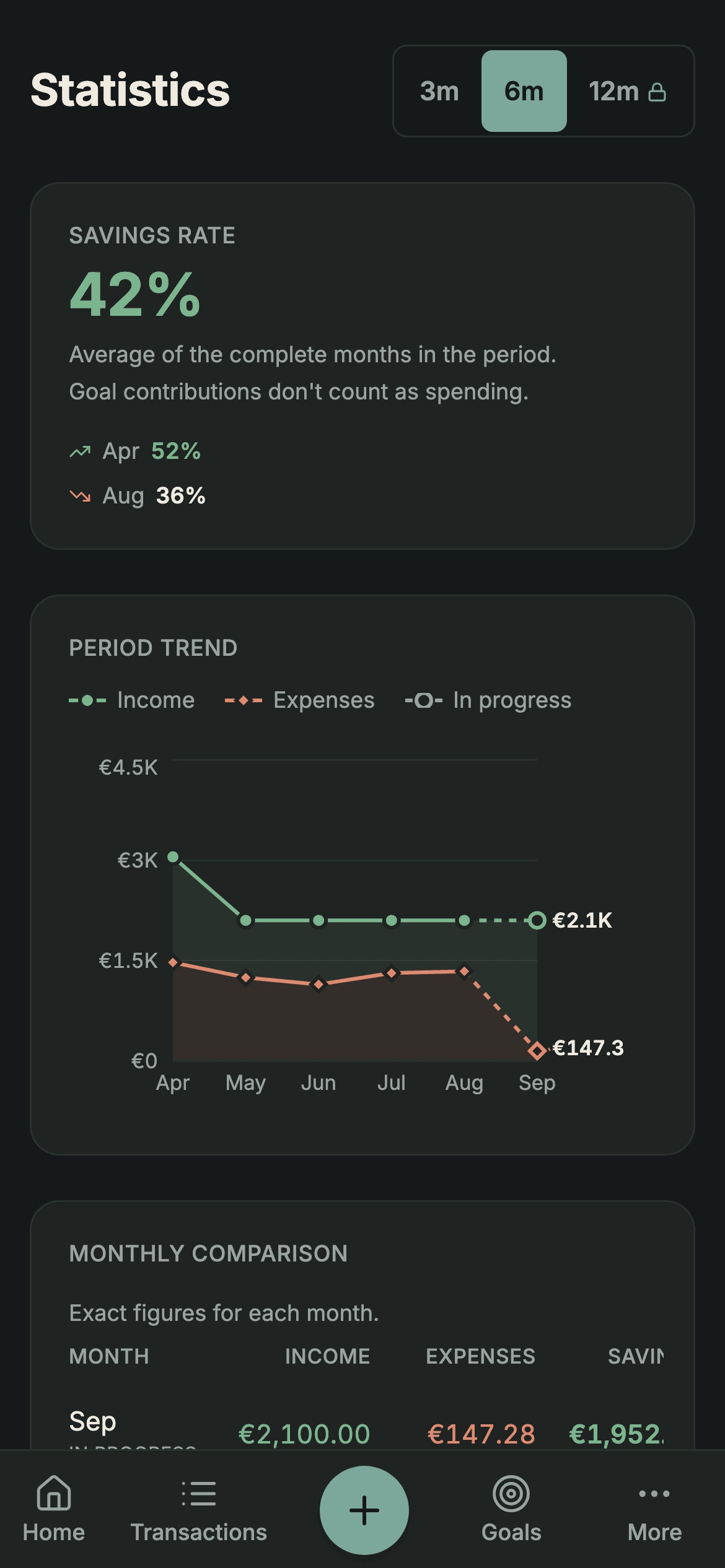
Import your history, automate the repetitive part and understand your money better.
Everything in Free, plus:
Scans: on both plans, up to 20 AI readings a day across text and images, subject to service availability. Logging by hand has no limit.
No. You add transactions by hand, or import the file you download from your bank. Sumant never asks for your banking credentials or for ongoing access to your accounts.
The Free plan needs no card and never expires. PRO is a one-off payment of €19.99, not a subscription, and it adds importing without the free plan limit, scanning photos and screenshots with no monthly cap, automating with recurring transactions and with rules that run on import, and up to 12 months of analytics with CSV and Excel (.xlsx) export.
CSV, Excel (.xlsx) and Norma 43. If your bank's layout isn't recognised automatically, you tell Sumant which column is the date, which is the description and which is the amount.
No. The file is processed on your device and Sumant doesn't keep the original statement: only the transactions you review and confirm are saved.
Before anything is saved, Sumant compares what you're bringing in against what you already have. Exact duplicates arrive unticked, and the unclear ones stay in view for you to decide.
Yes, whenever you want. On the Free plan you download your accounts, categories, transactions, budgets, goals, recurring transactions and net worth as JSON; it does not include your rules or this device's preferences. PRO adds CSV and Excel (.xlsx).
Compare Sumant with other personal finance apps and choose how to track your spending.
Add or import your transactions. No card or bank connection needed.
Get started freeAlready have an account? Sign in