
Monthly expenses spreadsheet: download the Excel template
Download a blank workbook for recording monthly expenses. It contains twelve monthly sheets and an annual summary. The file and its category names are in Spanish; the instructions below explain its structure and limits in English.
Spanish XLSX file · About 20 KB · No registration
What does this monthly expenses spreadsheet include?
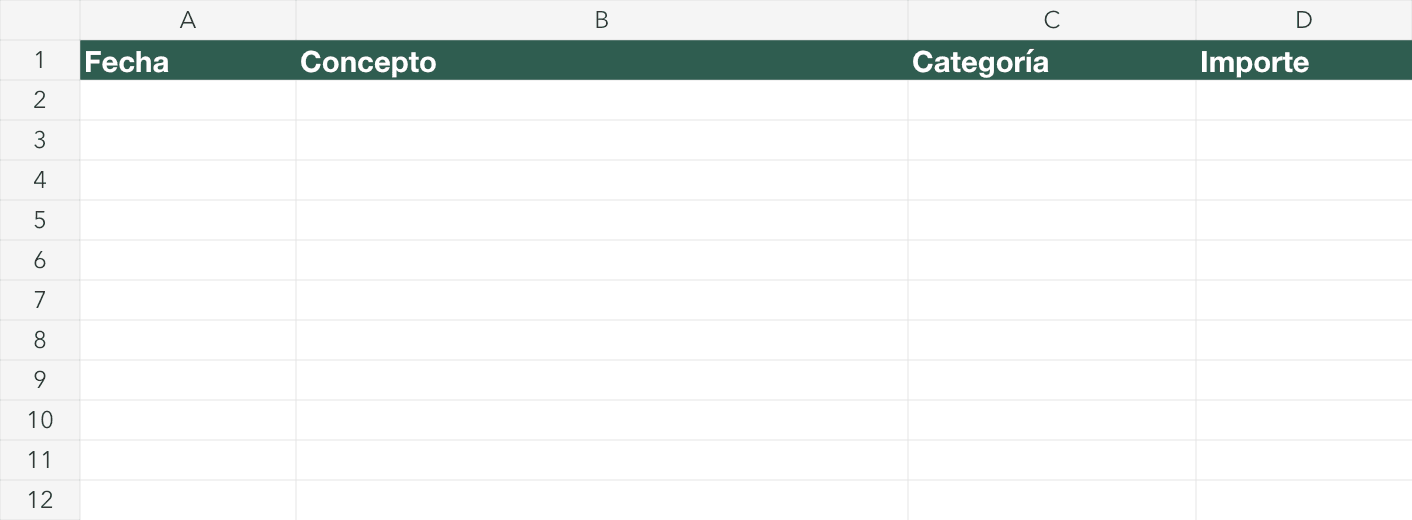
The workbook contains twelve monthly sheets, six expense categories and an annual summary. Each monthly sheet has date, description, category and amount columns, with formulas covering sixty expense rows. Downloading the file is free and does not require registration; that does not include a licence for spreadsheet software.
Keep the Spanish category names as written: Comida, Transporte, Ocio, Hogar, Suscripciones and Otros. The monthly totals depend on matching those names. Save a working copy before entering your own expenses, and keep the summary cells separate from the input columns.
What are the limits of this expense template?
The template totals expenses; it does not calculate income, a remaining balance or amounts owed between people. Monthly category formulas cover rows two to sixty one. Adding expenses below that range does not extend those formulas automatically, so check the ranges if you decide to edit the workbook.
There are no charts or category dropdowns in the downloadable file. The annual summary already reads the twelve monthly sheets. Whether you prefer entering expenses on a phone or a computer depends on your spreadsheet software and your routine; test a working copy before relying on an edited layout.
Compare a spreadsheet with an expense app before choosing how to record and review your transactions.
How can you import the sheet into Sumant?
You can import a CSV or XLSX file into Sumant and map its transaction columns. For this template, choose a monthly sheet rather than the annual summary. Check the date, description, category and amount fields, then review the first transaction and the import preview before confirming the rows you want.
- Choose the destination account and upload your saved workbook.
- Select the monthly transaction sheet; leave out Resumen año.
- Map the input columns and check that the first row is treated as an expense.
- Review errors and duplicates before confirming the import.
Frequently asked questions
These answers describe the downloadable workbook and the steps for bringing its transactions into Sumant. The file is a Spanish expense register, with a fixed set of categories and formula ranges. Check those limits before adding rows or changing the layout of a monthly sheet.
Is the downloadable template in English?
No. The workbook uses Spanish month and category names. The download on this English page is the same Spanish XLSX file, with no registration.
Can I import my own Excel sheet?
Sumant accepts CSV and XLSX files with transaction rows. Map the date, description and amount columns, then check the preview. A totals-only sheet is not a list of transactions.
What if my sheet has one tab per month?
Choose the monthly transaction sheets you want to import. For this template, leave out Resumen año because it contains totals rather than individual expenses.
Can I still export my transactions?
Sumant PRO can export transactions to CSV and XLSX. Those formats let you keep a separate copy and work with it in spreadsheet software that supports them.
Bring your monthly transactions into Sumant
If you want to try an app alongside your spreadsheet, start with one monthly sheet. Create your account, map the transaction columns and review the preview before confirming. Keep your original workbook while you check whether this way of recording and reviewing expenses fits your routine.
Import my transactions for free