
The single-account problem
A client pays an invoice for £3,000. That is not necessarily £3,000 available for personal spending: business costs, contributions and applicable taxes may still need paying. The example uses a fictional amount; what you must reserve depends on your activity and tax circumstances.
When everything lives in one account, you have to distinguish money available to spend from money already committed. Looking only at today’s balance can miss a bill due later, including a tax payment whose timing depends on your circumstances.
Separating money for different purposes can make that review easier. It complements your records rather than replacing them, and lets you see what you have allocated to personal spending.
The three-account system
Three accounts, or three pots if your bank supports them, are one way to organise this. You can adapt the separation to your circumstances; three is not a requirement for every freelancer.
1. The incoming account
This is where client payments arrive. It can also cover business costs and the transfers you plan to make to the other accounts. Before spending its balance personally, check costs, reserves and invoices that have not yet been paid.
2. The tax account
This holds money reserved for the taxes and contributions that apply to you. Review it as payments arrive and keep track of due dates. Exemptions, deductions and payment schedules vary, so the whole amount shown on an invoice is not a universal rule for the reserve.
3. Your personal account
The amount you allocate to yourself lands here, and personal spending comes out: rent, groceries and other costs. A personal budget helps you review it separately from the costs and cash flow of the business.
How much to set aside
When a payment arrives, review the reserve needed for your actual obligations and upcoming costs. Ask your accountant which taxes, deductions and dates apply. In Spain, VAT exemptions and deduction conditions mean that moving the full VAT amount on every invoice is not a rule that fits every activity.
Sources: Spanish Tax Agency: VAT exemptions · checked on ; Spanish Tax Agency: VAT deduction conditions · checked on .
In this example, business costs such as tools, equipment, accountancy and insurance are paid from the incoming account. Keeping them identifiable helps you separate personal spending from the costs of earning that income, even if you use a different account arrangement.
It helps to distinguish a fixed from a variable expense. Some costs recur at an agreed amount while others vary with use or work. Check each contract rather than assuming it changes every month.
The costs people forget
Four kinds of costs are worth checking when you estimate what remains from your income. They may arrive at different times of year, and their size depends on the work you do.
Tools billed once a year. List the services and licences you use, their cost and renewal dates. Dividing the annual total by twelve gives a monthly planning figure, while the payment calendar tells you when the cash is actually needed.
Equipment that needs replacing. A laptop’s useful life varies, so review its condition and the likely cost of a replacement. A planned reserve can make that future bill easier to accommodate without pretending the replacement date is certain.
Time without billable work. Consider holidays, illness and other periods when you may collect less income. Their effect depends on how clients pay you and the arrangements you have; include likely gaps when reviewing the year.
Late payments and unpaid invoices. Track when payments are due and what has actually arrived. Use your own records to assess the uncertainty rather than assuming a fixed percentage of every freelancer’s invoices will go unpaid.
Paying yourself a salary
One option is to choose a regular monthly transfer to your personal account. Check first that current cash and reserves can support it, including months with little income. Adjust the amount if the money available no longer covers it.
Look at quieter periods as well as the average. If one quarter left £1,400 a month after costs and reserves, that is information for a scenario, not a guaranteed safe salary. Money retained in better months can help cover gaps if the reserve is large enough.
The aim is for your personal life to stop feeling the irregular rhythm of the business. If your income swings a lot month to month, there is more on that in saving when your income changes every month.
Year one, with no history
In year one, your own business history is limited. You can still make an initial plan from known costs and expected payments, while marking the assumptions that need checking as actual results arrive.
Start with the cost of your personal essentials. Review several months of transactions, use a monthly average where appropriate and include known annual bills. Your earlier spending can help, but check what has changed since you became self-employed.
Use that estimate to choose an initial personal transfer that the available money can support. Leave room for business costs and upcoming payments rather than treating every receipt as extra personal income.
Review the transfer as you collect more information, and sooner if cash or costs change materially. Several months can reveal patterns, but seasonal work may need a longer view. There is no universal six-month point before which adjustment is wrong.
Record transactions from the start and keep the statements and invoices you need. A usable history helps future reviews; missing entries may be reconstructed from records, although doing so later takes additional checking.
The end-of-month review
At the monthly review, ask how much was received, what the business paid and what you transferred to yourself. Include the money reserved for upcoming obligations. These actual flows show whether the available buffer grew; unpaid invoices do not increase it.
Sources: Finanzas para Todos: a monthly budget · checked on .
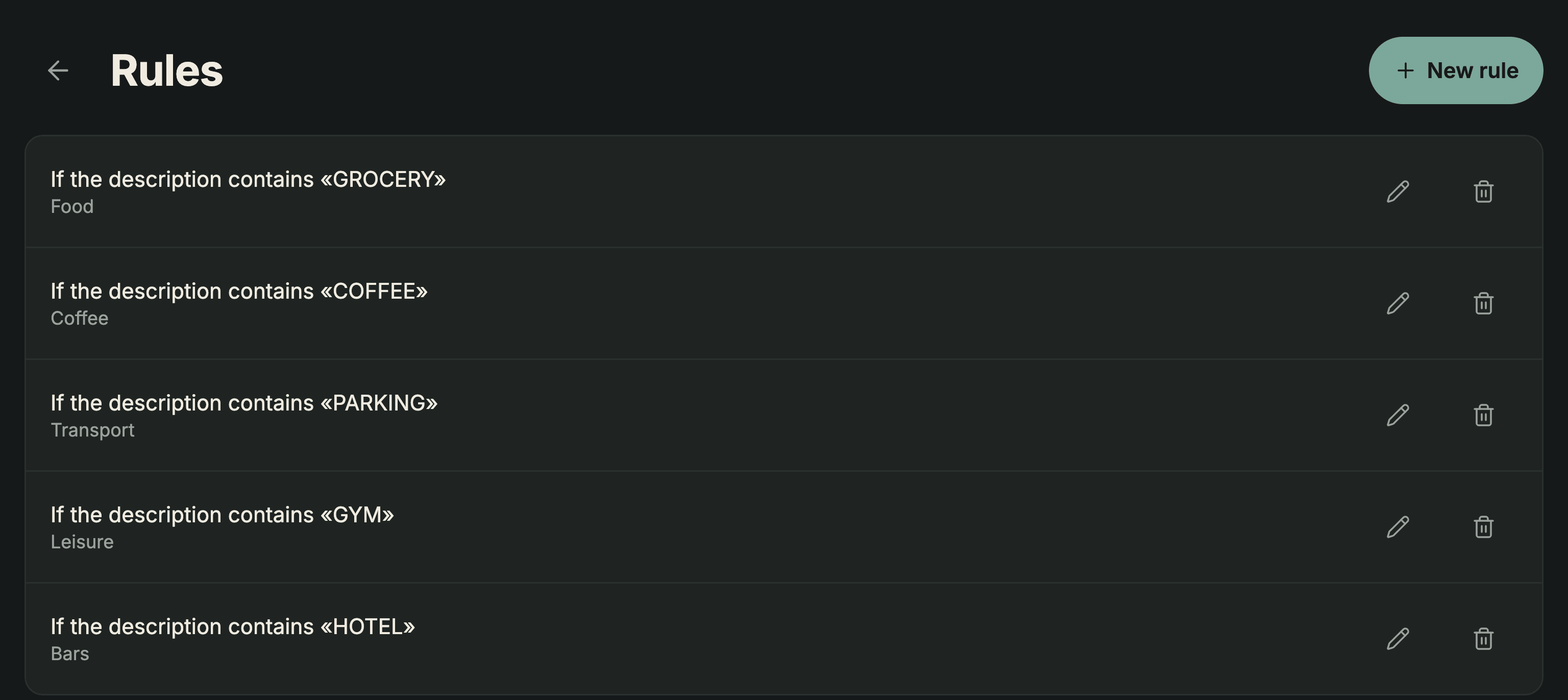
In Sumant you can keep separate accounts and record transfers between accounts in the same currency. With PRO you can create categorisation rules for future imports and review the proposed categories before confirming. Rules do not automatically categorise a manually added transaction or rewrite earlier entries.
Sources: Sumant plans · checked on .
You can log transactions yourself or import a CSV or XLSX file you download. Sumant does not connect to your bank. If you are comparing this workflow with another app, the app comparisons sets out the differences.
This organises money; it is not bookkeeping or tax filing. Sumant does not issue invoices, calculate tax or submit returns. Keep the records required for your work and review the obligations with an appropriate adviser.
The useful part is having the money and its intended purpose clearly recorded. Three accounts are one possible arrangement; a different separation can also work. Review it against your actual payments rather than assuming that the number of accounts prevents overspending.